You can change your username from your profile settings.
How to update your username
- Go to your profile by clicking on your user image on the top right corner.
- Select Edit profile.
- Scroll to the bottom of the page and enter your new username. Make sure to click on "save" to change your username.
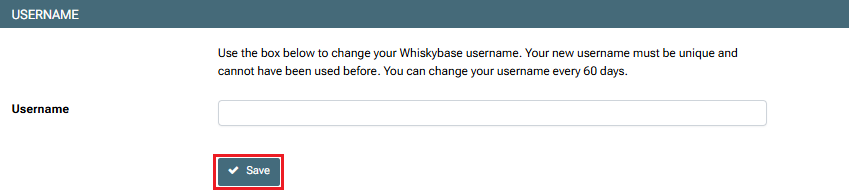
Your new username must be unique and cannot have been used before.
Note: You can only change your username once every 60 days.
Was this article helpful?
That’s Great!
Thank you for your feedback
Sorry! We couldn't be helpful
Thank you for your feedback
Feedback sent
We appreciate your effort and will try to fix the article